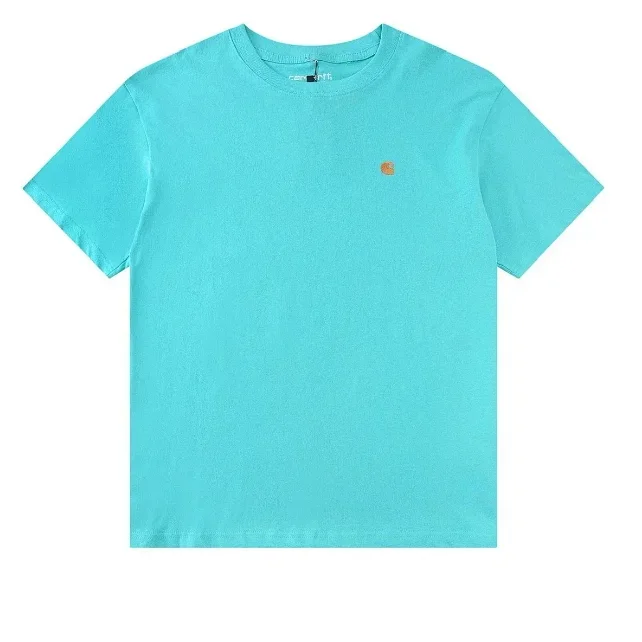
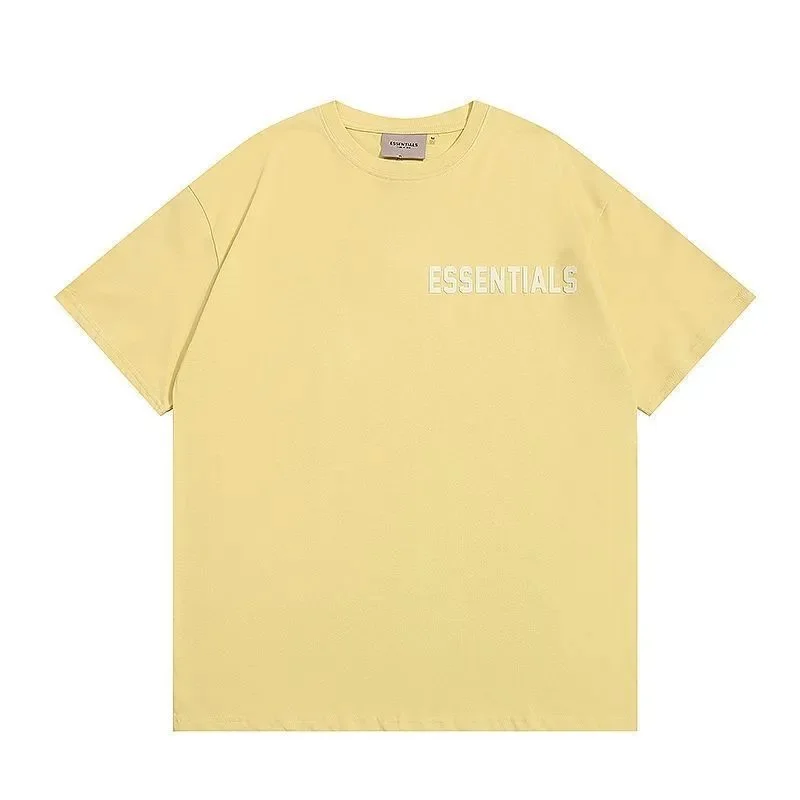
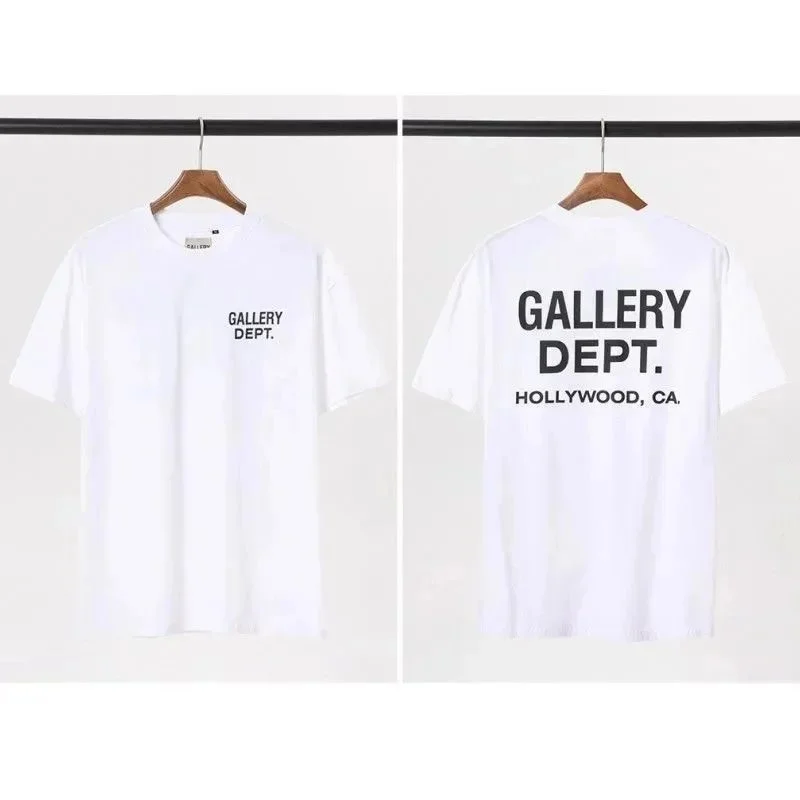
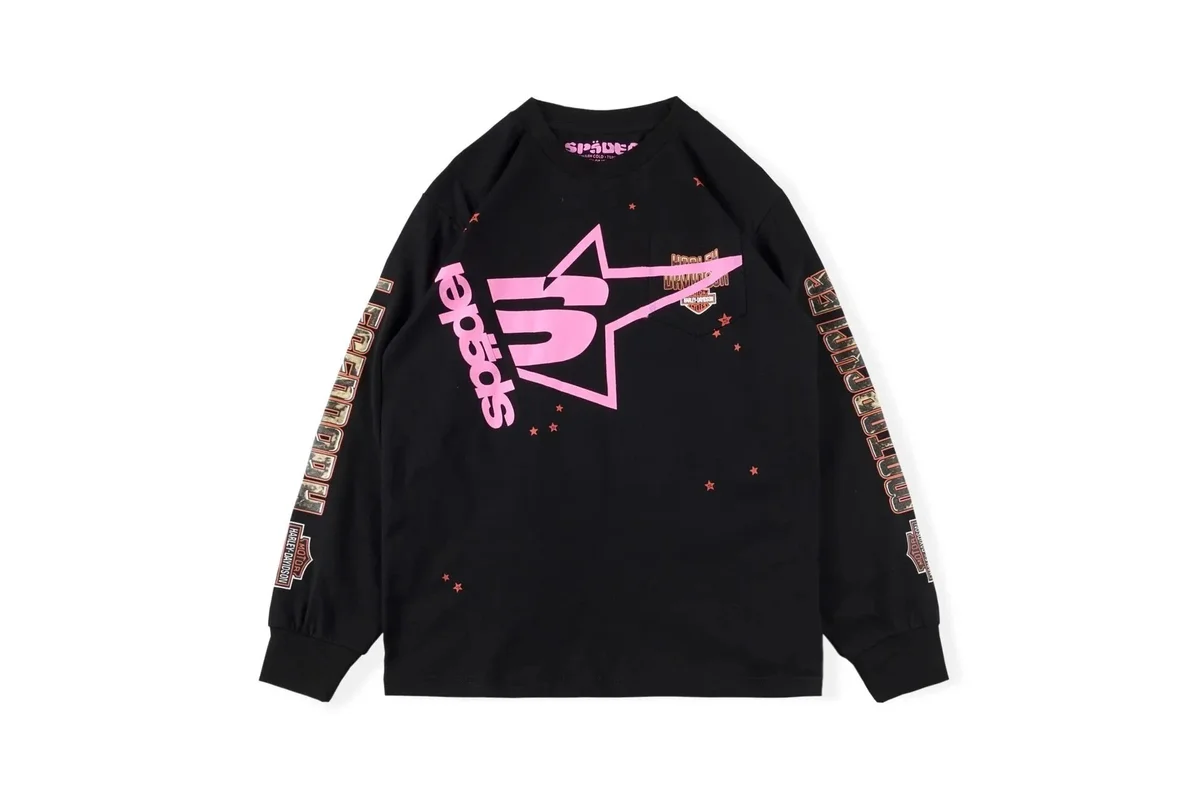
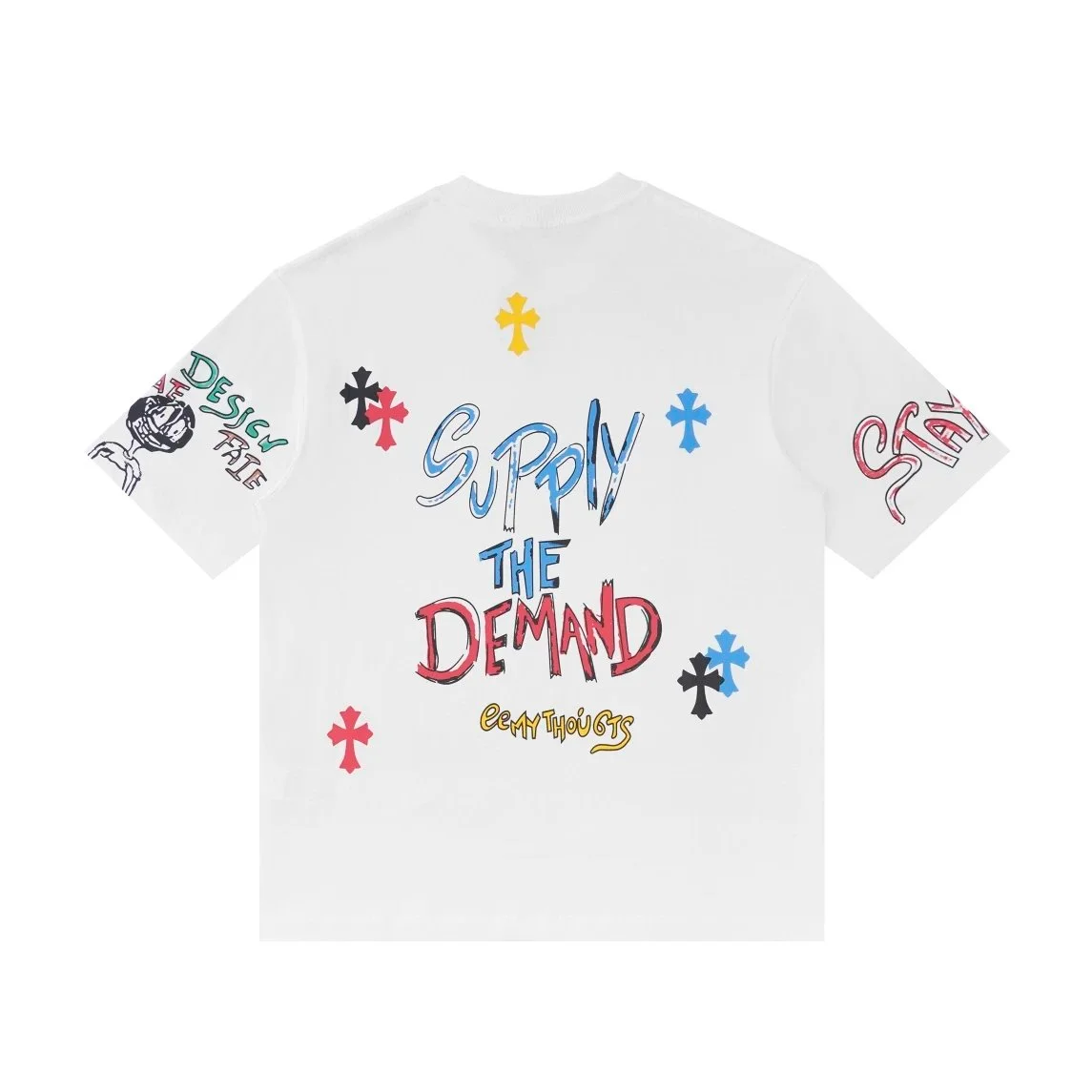
Use these plain and graphic T-shirt examples to start a comparison. Check the specific print, color and garment measurements rather than choosing by the brand field or reference price alone.
Plain, graphic and long-sleeve listing images have different comparison needs. Confirm front and back details and the selected option. Listing pictures are separate from warehouse QC.
Explore the category
Selected t-shirts
Selection 15 Oct 2026
18 selected listings in the LitBuy T-Shirts Spreadsheet. Compare product names and snapshot reference prices, then open a product for current details.
Snapshot prices, not live quotes. USD estimates use ¥7.2 per US$1 and exclude shipping, payment fees and import charges. Missing or conflicting prices show “Check price”. Listing images are not warehouse QC or photos of our own orders; confirm the current price, option and availability on the linked page.
Start a T-shirt comparison with garment length and width, then look at the artwork. Two similar front thumbnails can hide different back designs, sleeve proportions or graphic placement. Save the exact option you are comparing so those differences stay attached to the right listing.
For measurements, compare a tee you own using equivalent points and units. For the design, ask for the missing side rather than filling it in from another listing. Keep fabric composition or stated weight in a separate note; a clear picture alone does not establish thickness, texture or how the print will wear.
How can I check whether a T-shirt has a back print?
Look for a back view of the selected variation or ask for confirmation. A front image, product name or another color option cannot settle the back design.
Can a listing picture show fabric weight?
A picture shows visible appearance. Look for an explicit fabric-weight or composition statement when that matters to you, and leave the field unknown if the listing does not provide it.